
mijoPowerPack
SUITE : Driveworks PowerPack with editor
- - e-mail:
DW Custom Gauges Chart with a dial
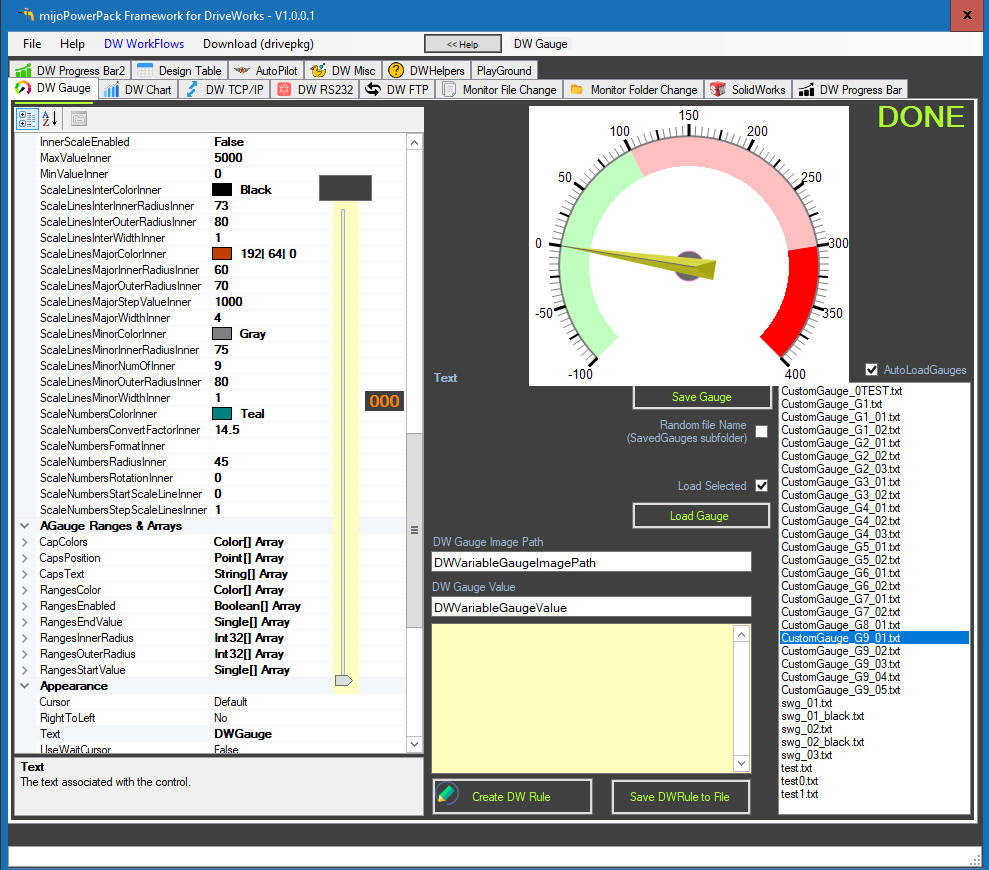
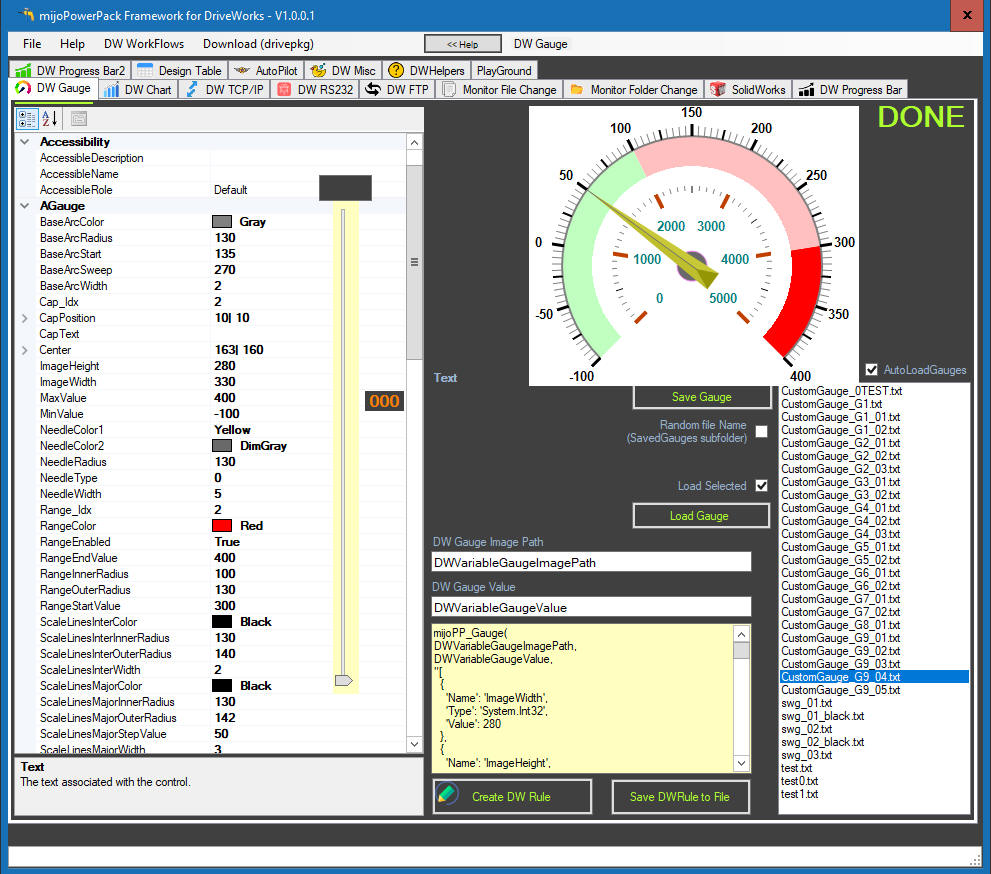
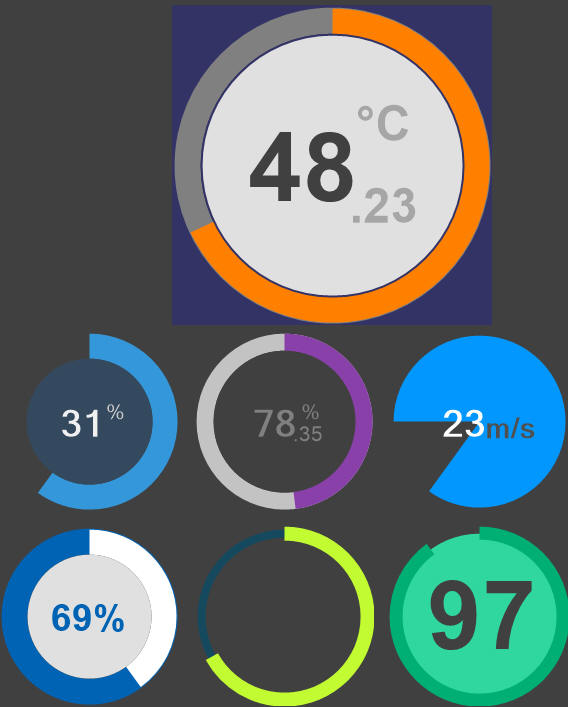
Create Custom Gauges with your feel and look to use in your DriveWorks projects. The gauge
graphics is
created and rendered on fly as png/jpeg image for a dynamic input value.
Gauge charts use needles to show information as a reading on a dial. On a gauge chart, the value for each needle is read against the colored data range. A gauge chart consists of a gauge axis (which contains the data range, color ranges, and intervals markers), needles, and a center pivot point. A circular gauge is used to show a specific value over a radial/angular scale. The gauge is rendered with a radial scale that displays the data range. This scale can be region color-coded to indicate divisions within the ranges. A custom colored dial is used to point to the data value. The gauge can also be rendered secondary inner dial as a conversion scale of an alternate units. Use distinct colors for clear differentiation between the ranges marked on the gauge scale.
- Add custom
dynamic Gauge to your DW project
- Gauge Editor
- Start tailoring your gauge from the available templates …
- Share your Gauge design with DW community
- Limitless
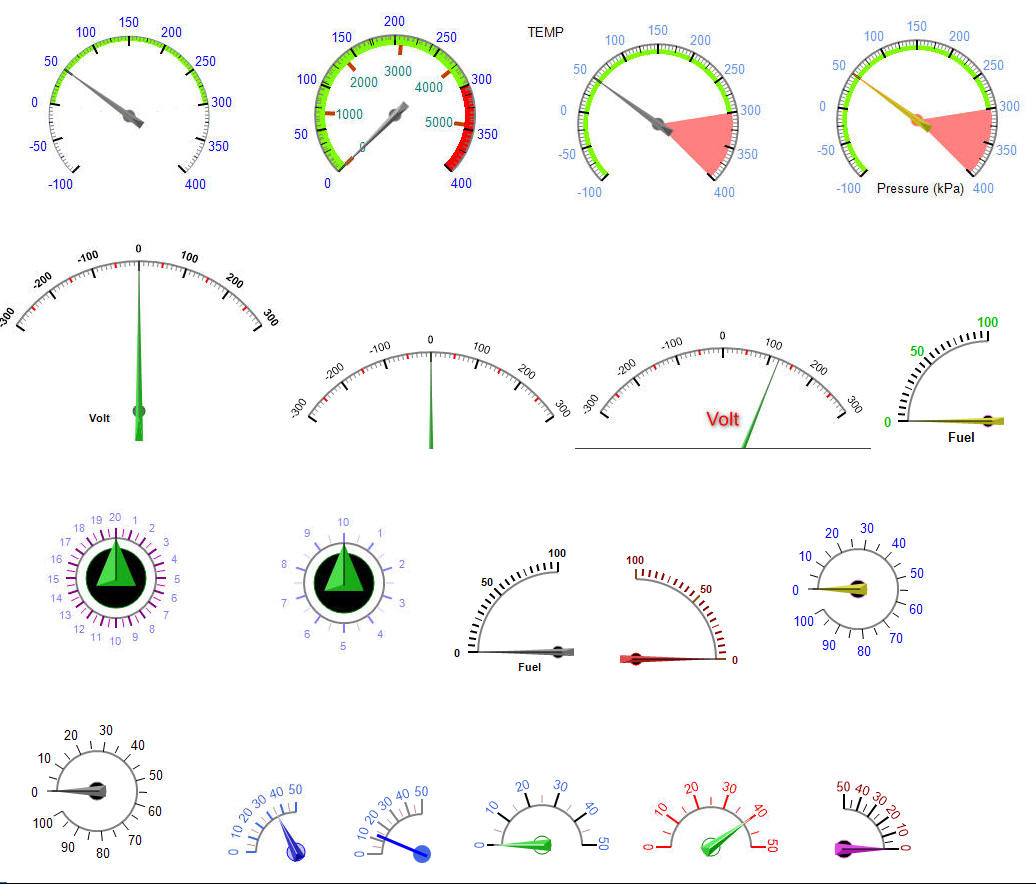
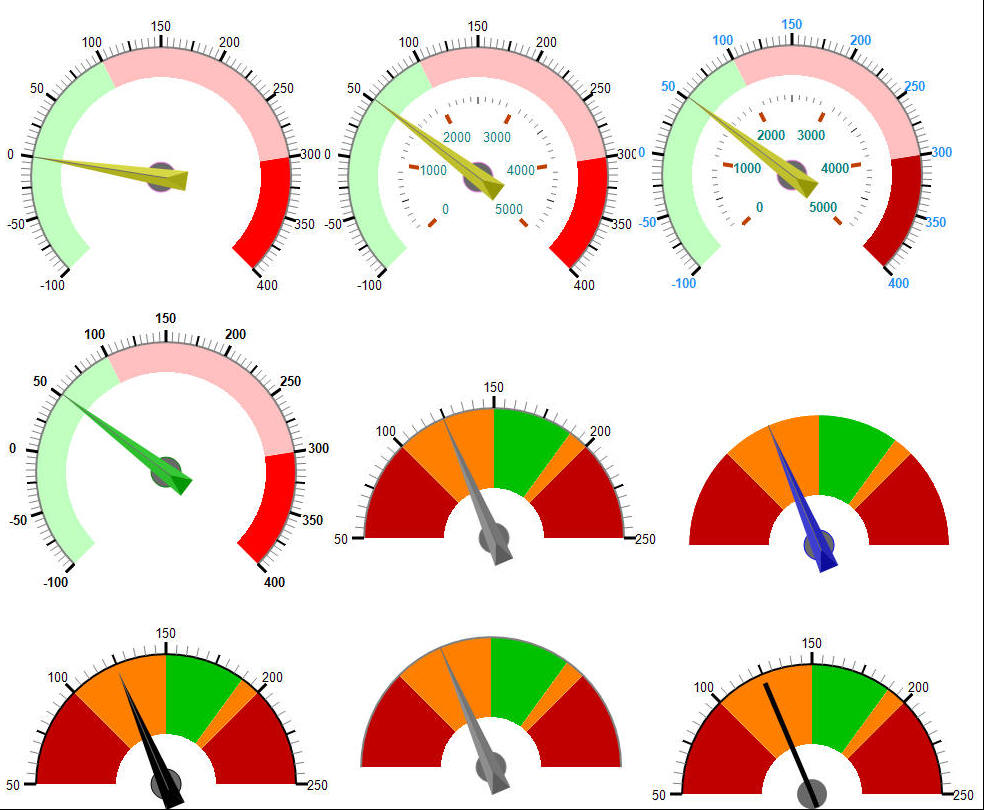
gauges forms, shapes, colors …
Take a look below for a few samples what can be created ...
 video:
Related:
How to
refresh load a new picture in the DW's picture box
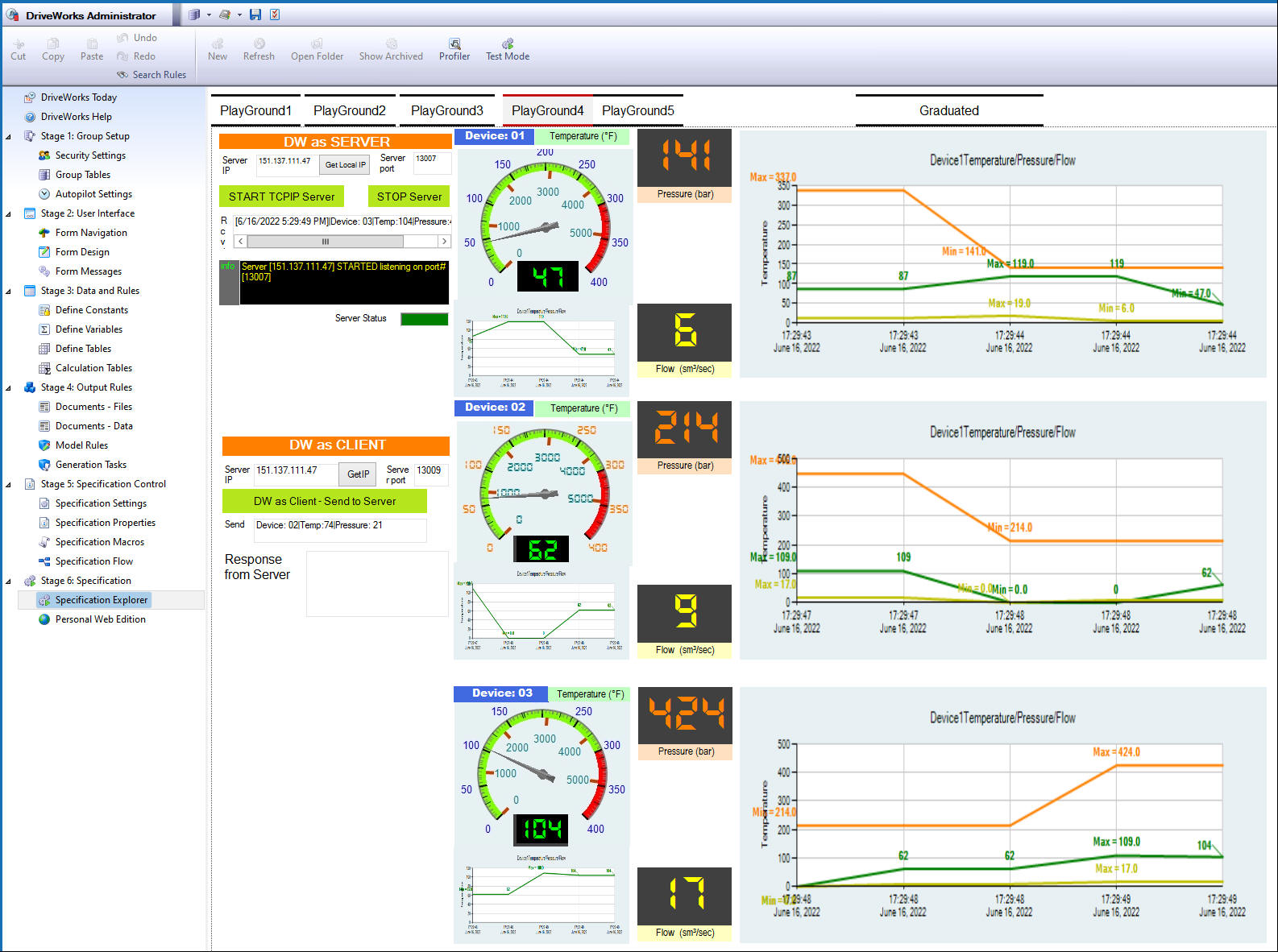
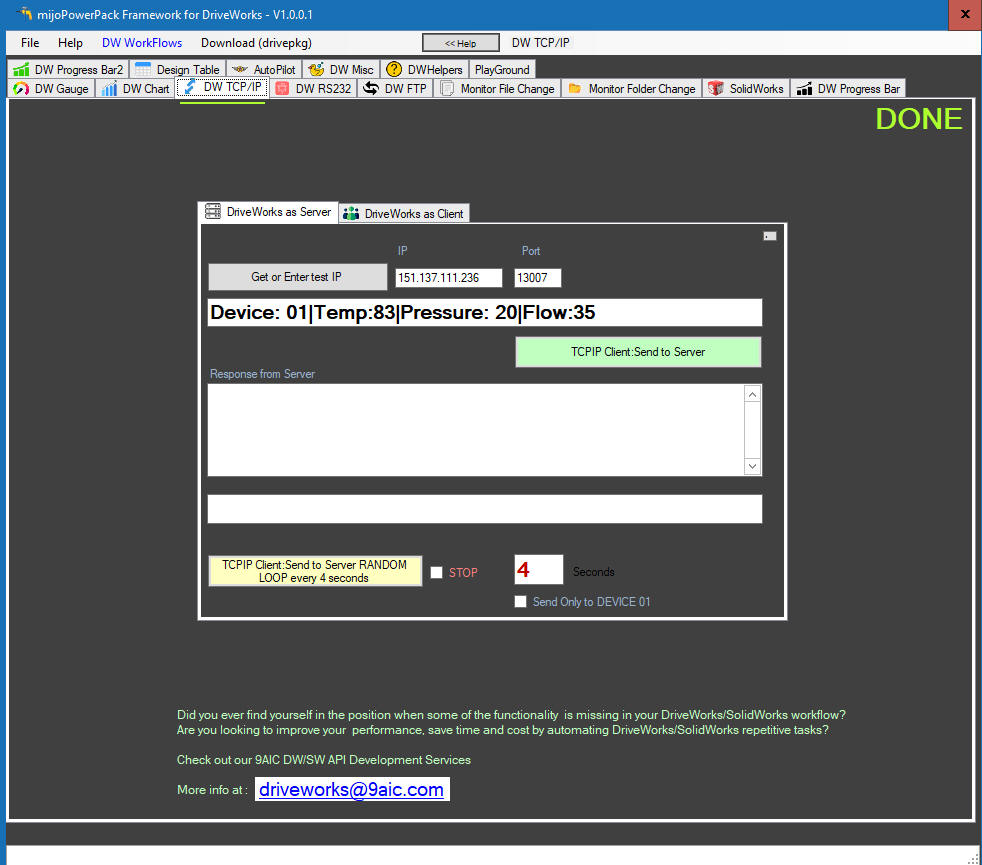
DW TCP/IP communicationn
Make DW to act as a server - send any information through LAN/WAN network to the DW' specified constant or a textbox control
Make DW to act as a client - send any information from DW to dedicated TCP/IP server.
 video:
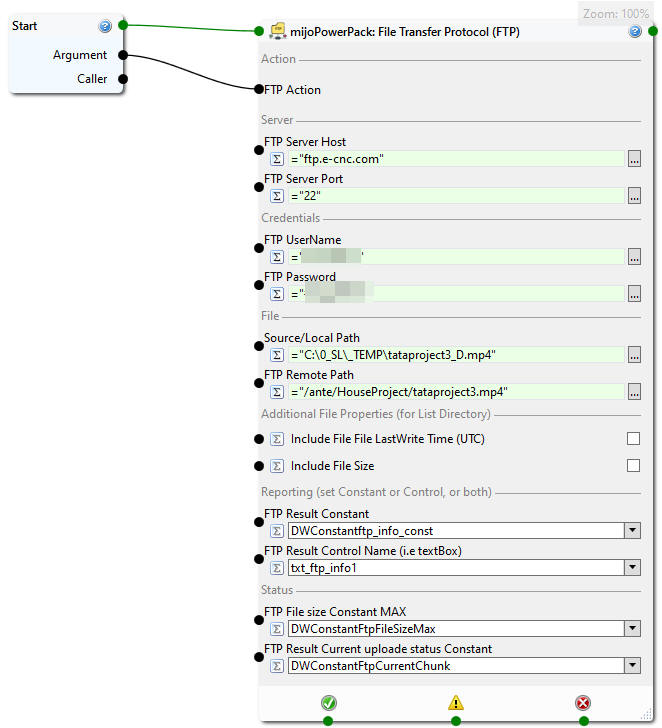
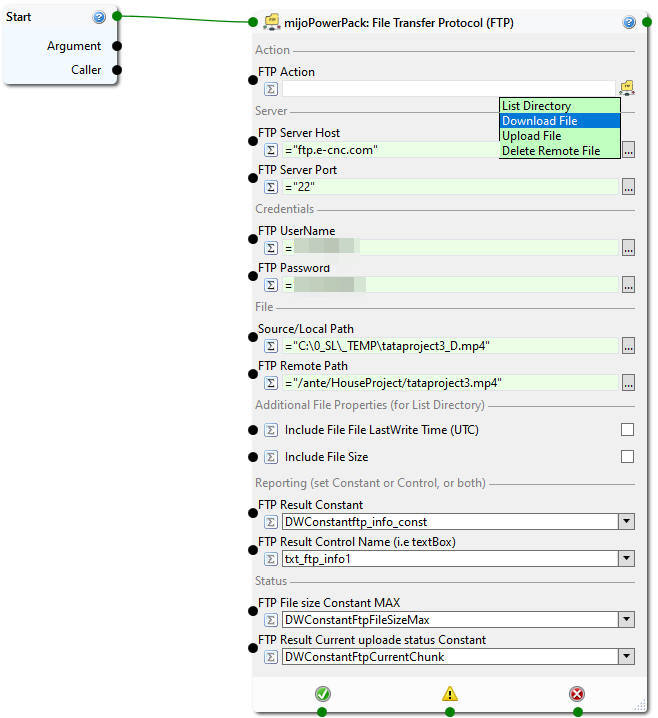
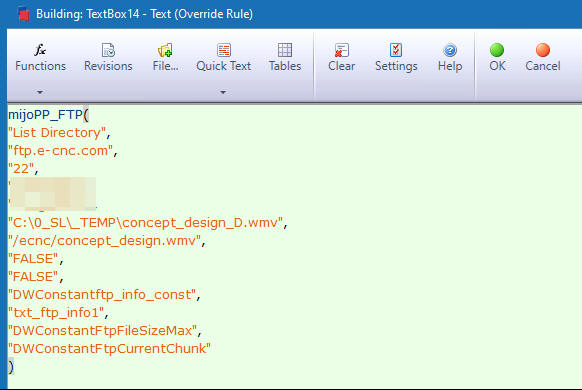
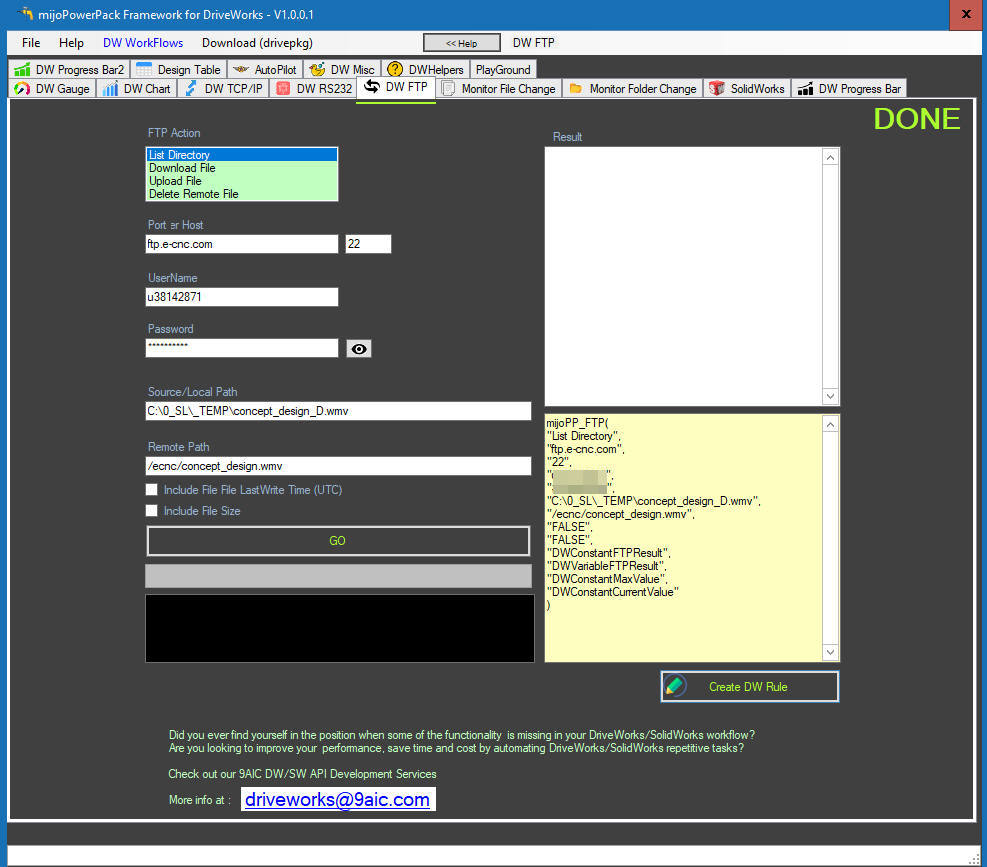
DW FTP(File Transfer Protocol) option, available as Macro Task in the toolbox or/and project extender function
List, Download
Upload or delete FTP files
List files and directories/folder names on a FTP server
Report back:
LastTimeWriteUTC
Size
Download File from a FTP server
With the following reporting status: Download Started, downloaded chunks, Download completed and file name
(The information Suitable for progress bar) - Progress will be reported to DWconstant only!
Upload File to a FTP server
Delete File on a FTP server
DW Monitor File Change
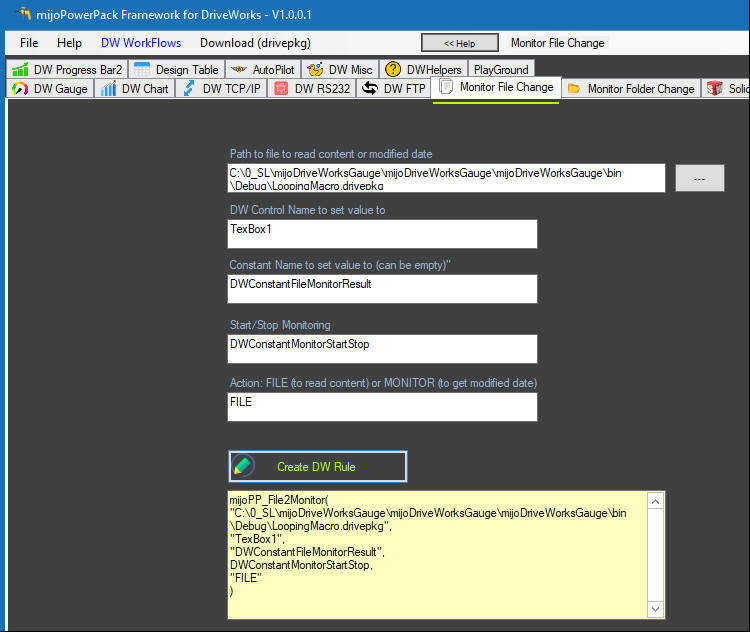
React to a specified file change event. Let say in your process you are creating
a file as result or some other application is creating or altering a content of
a such file. You can now capture an event do the work after file has been
created or altered by:
-Reading a file content on file content change or save
-Get last write Date and Time
 video:
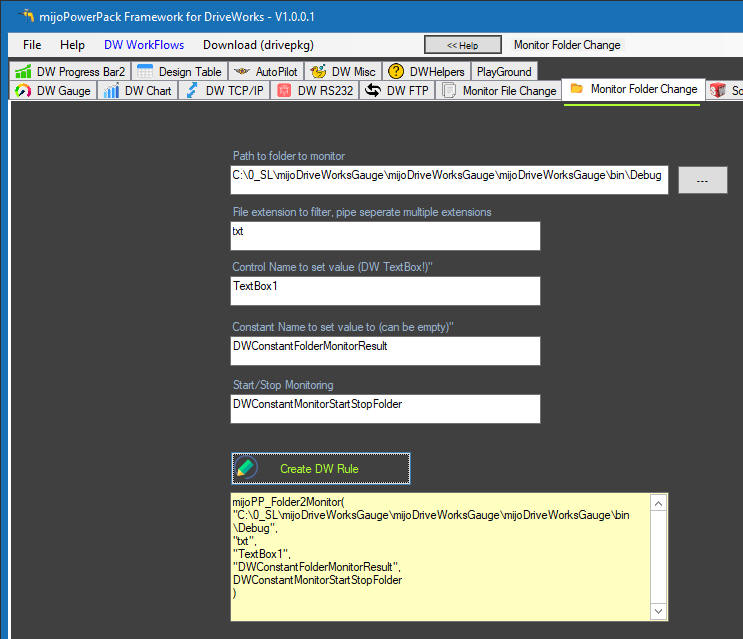
DW Monitor Folder Change
Similar to the File Monitor function, this functionality allows you react on
Folder content/list changes. i.e. a new file has been created, or an existing
file deleted or changed
-List folder/directory list
-Get file name that changed with the action/event flags: created/deleted/changed.
 video:
DW-SolidWorks related functionality
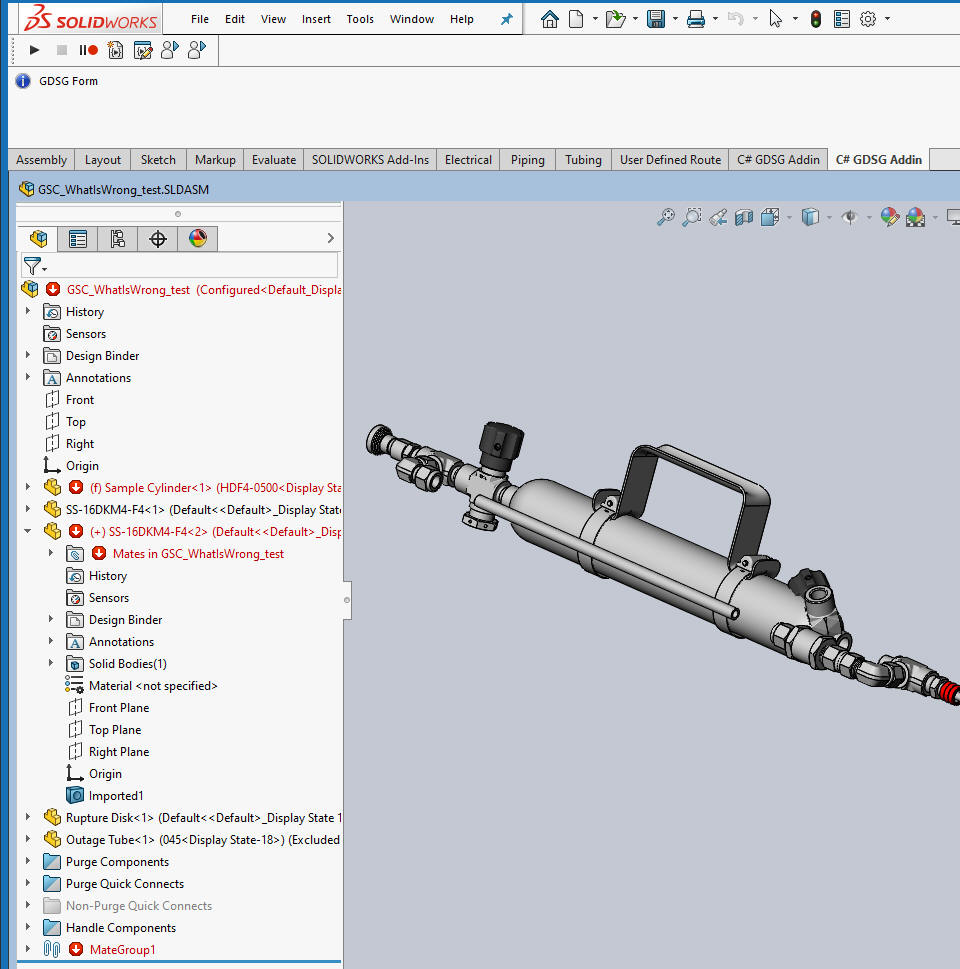
mijoPP_GetSolidWorksWhatIsWrong - With this function one can get/read SolidWorks "What is Wrong" information with the textual descriptions about warnings and/or errors.
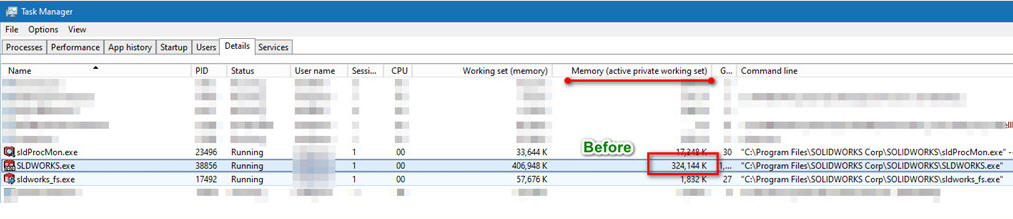
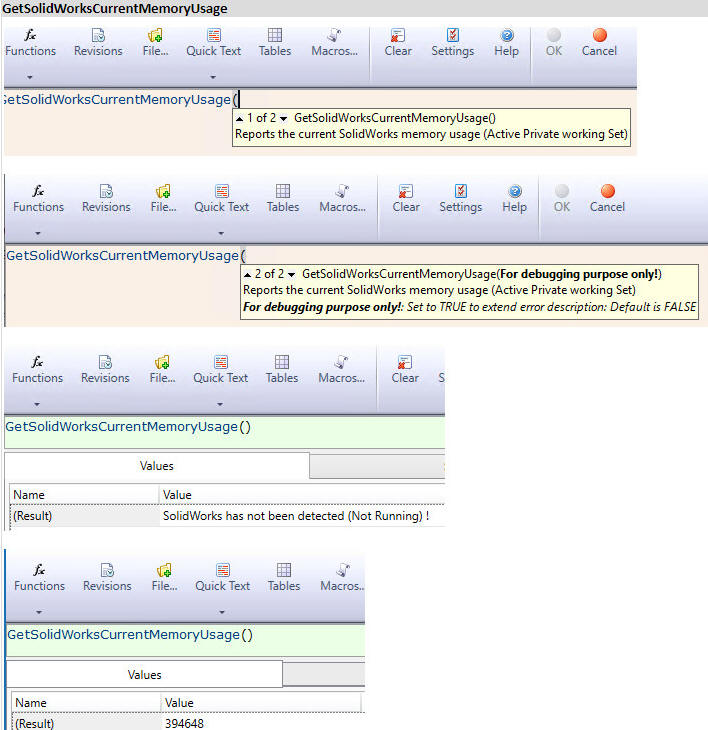
mijoPP_GetSolidWorksCurrentMemoryUsage - this function reads current SolidWorks Active memory usage.
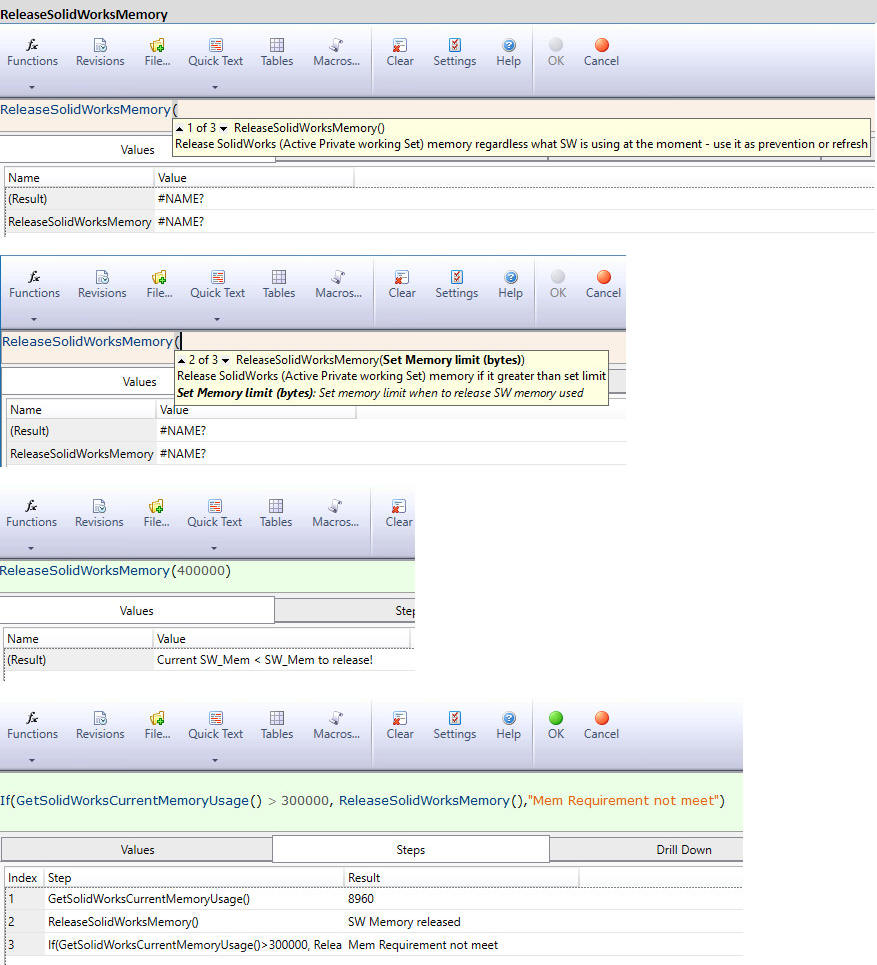
mijoPP_ReleaseSolidWorksMemory - this function releases Solidworks Active memory on fly, while SolidWorks is open or in the middle of processing no need to restart SolidWorks with AutoPilot or manually. Safe and quick!


DW Progress Bar 1
Add dynamic custom Progress Bar to your project
Circular Progress Bar
Rectangular -Linear Progress Bar

DW Progress Bar 2
Extended features of Circular Progress Bar 1
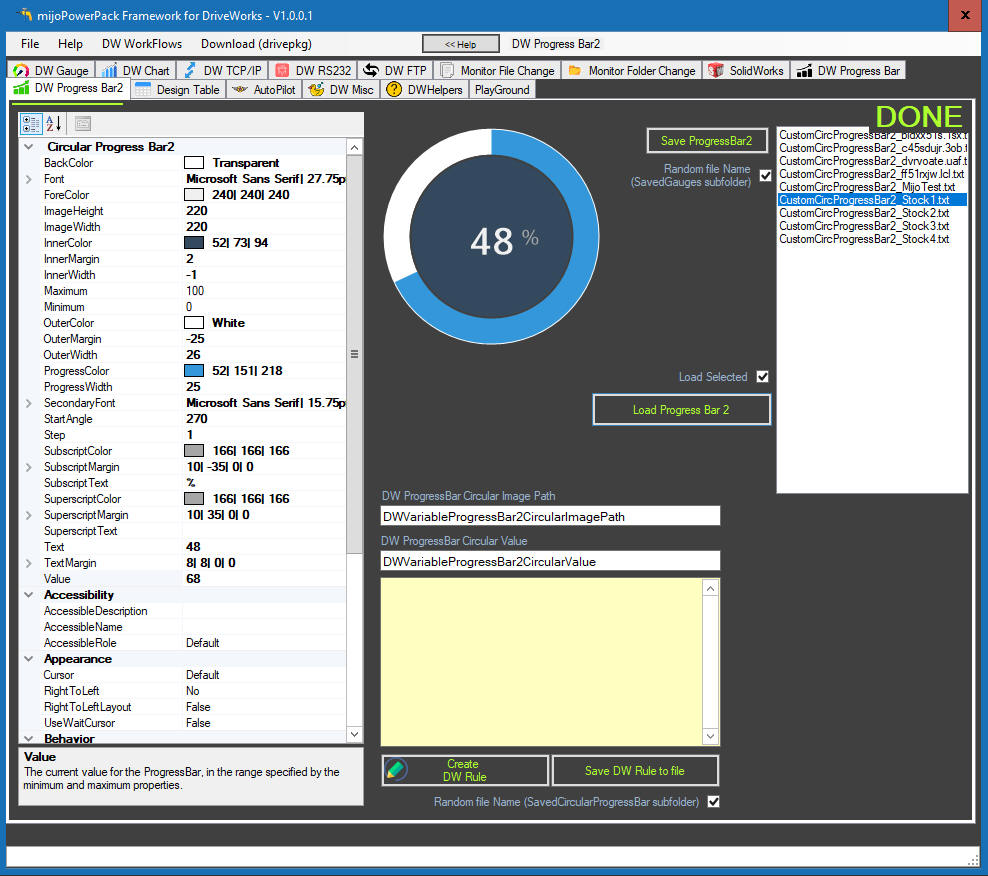
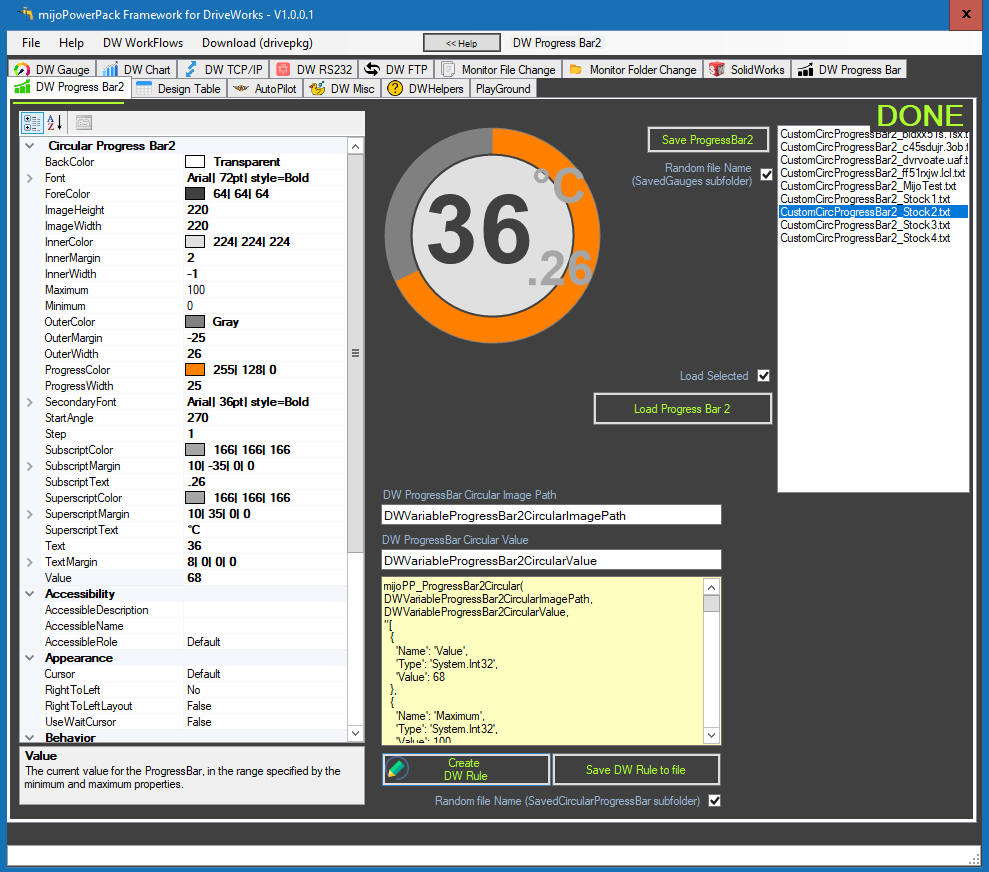
Miscellaneous functionality
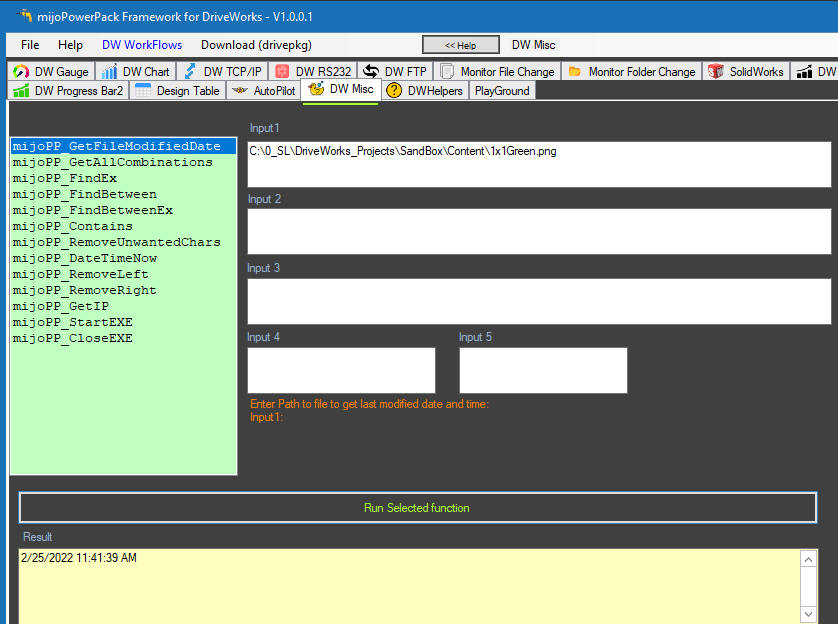
mijoPP_GetFileModifiedDate - get file modified date
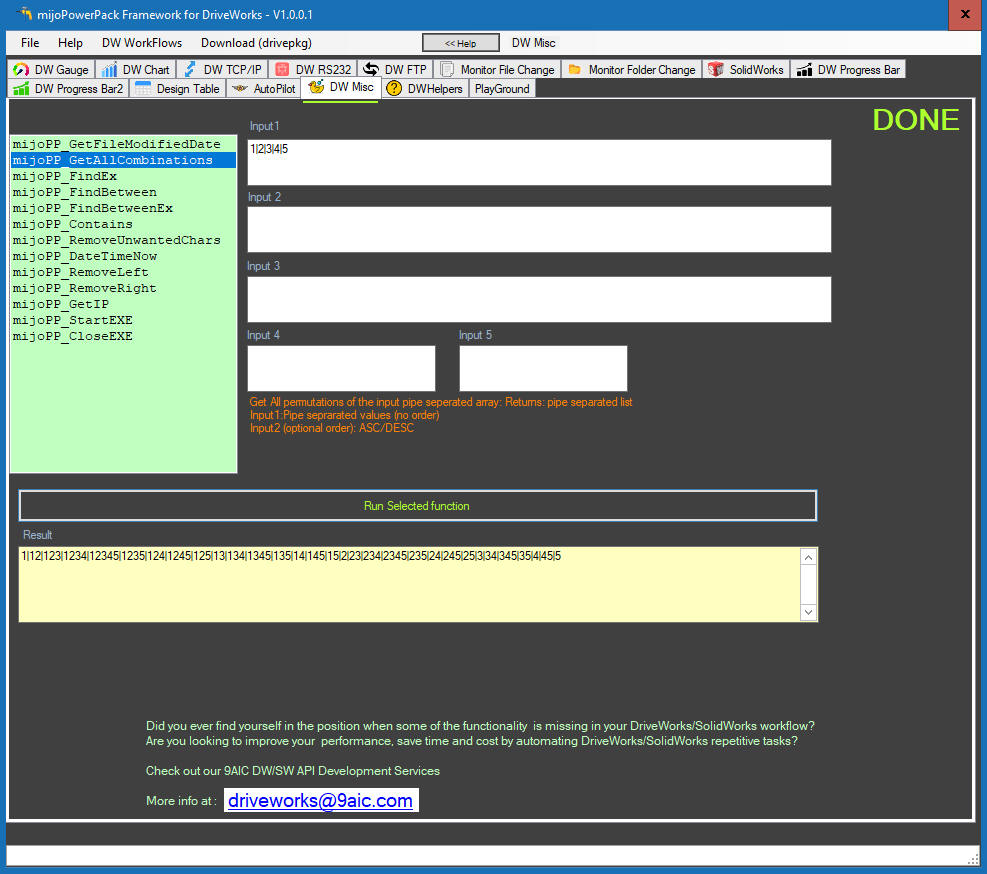
mijoPP_GetAllCombinations - permutaiton/combination of the entry
string: i.e.Input: A|B|CD|E will produces
the following output:
ASC order
A|AB|ABCD|ABCDE|ABE|ACD|ACDE|AE|B|BCD|BCDE|BE|CD|CDE|E
DESC order
E|CDE|CD|BE|BCDE|BCD|B| AE| ACDE| ACD| ABE| ABCDE| ABCD| AB| A
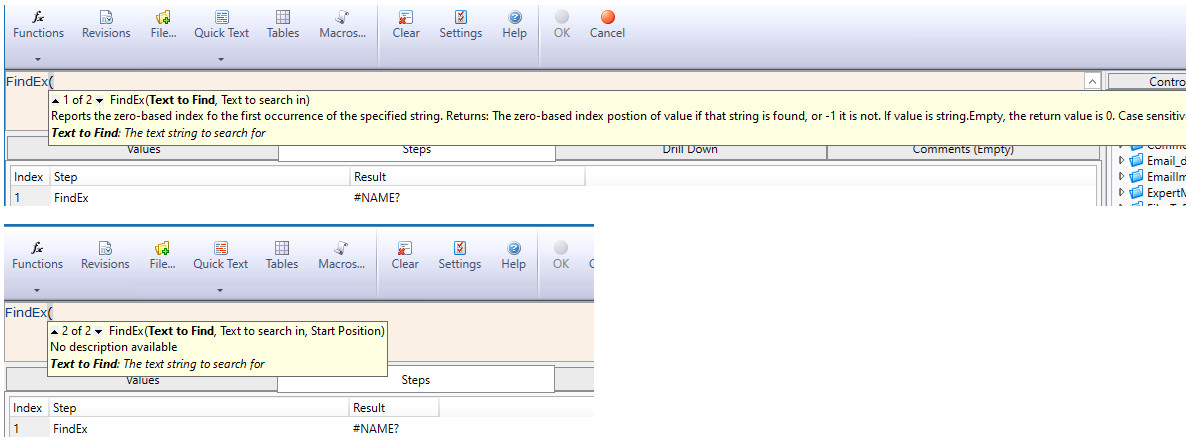
mijoPP_FindEx - reports the zero-based index of the first
occurance in the specified string
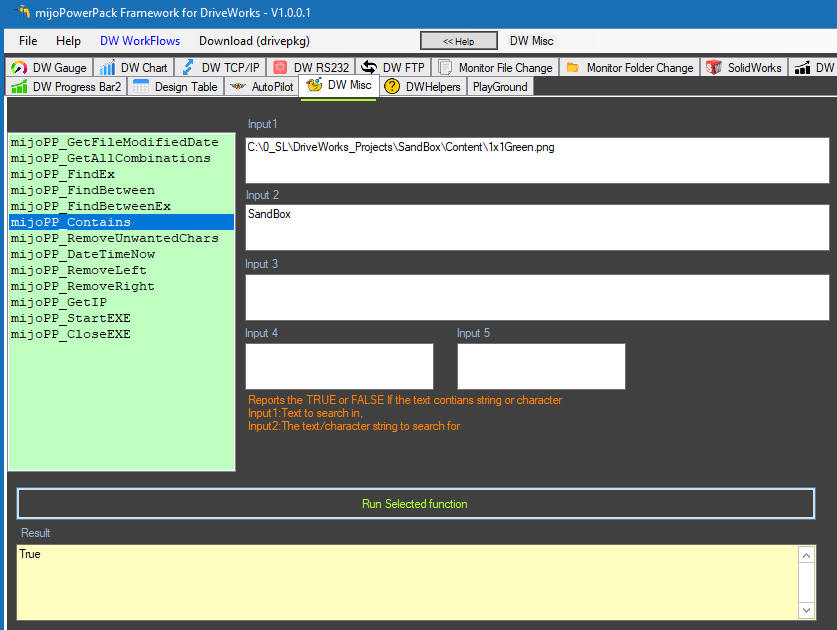
mijoPP_Contains - returns TRUE or FALSE if string
or character was found or
not.
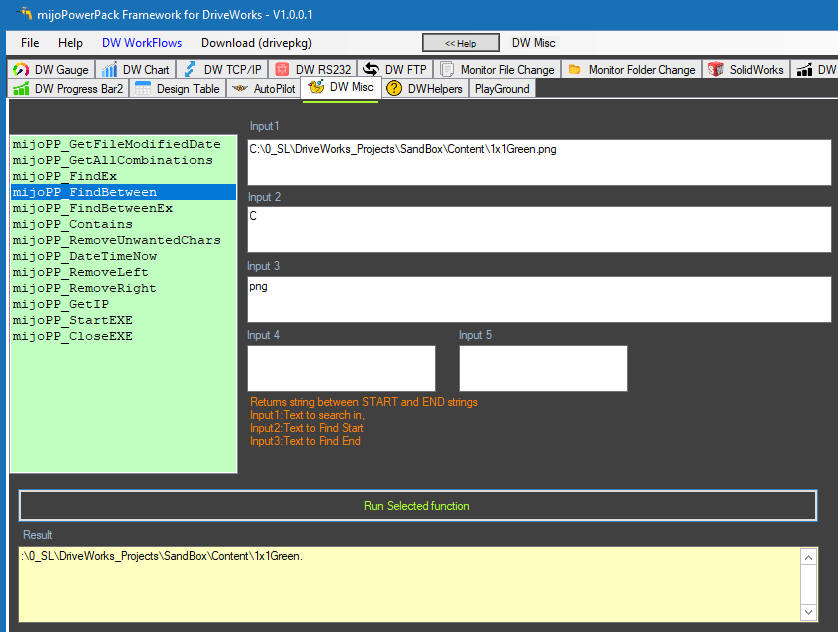
mijoPP_FindBetween - Returns string between START and END
strings.
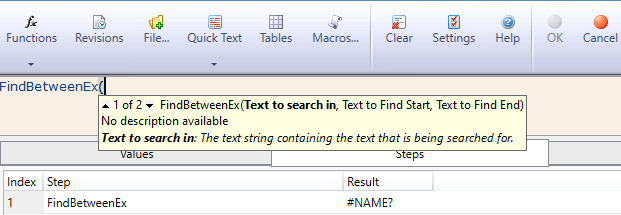
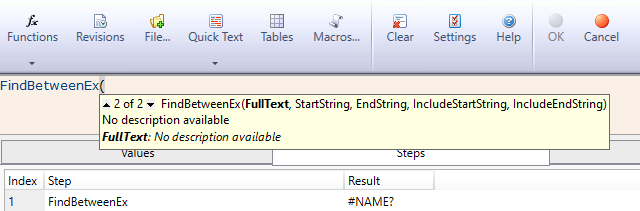
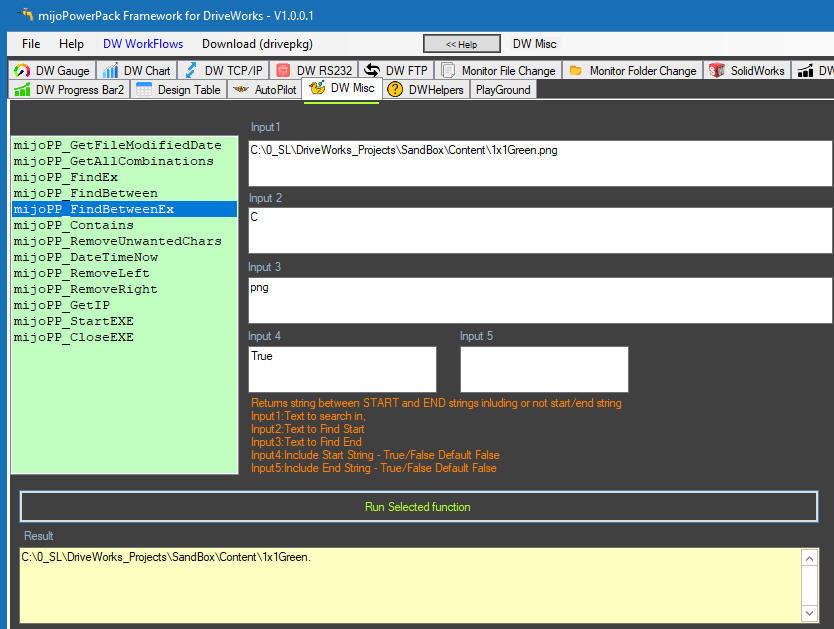
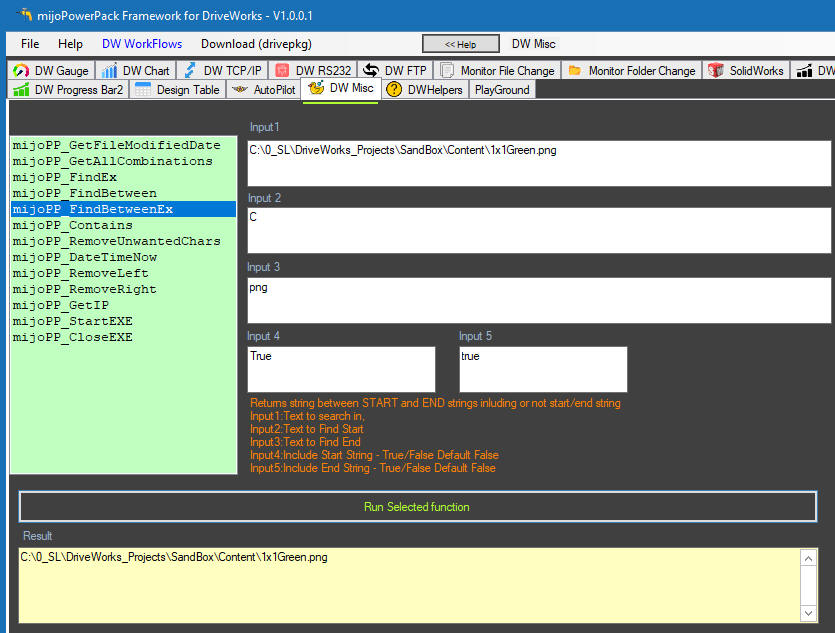
mijoPP_FindBetweenEx - Returns string between START and END
strings inluding or not the start/end string.
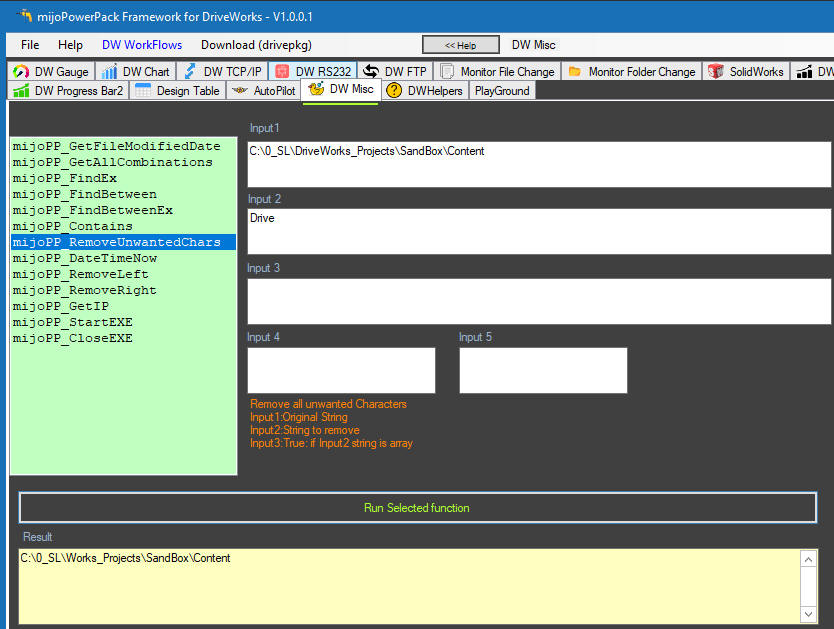
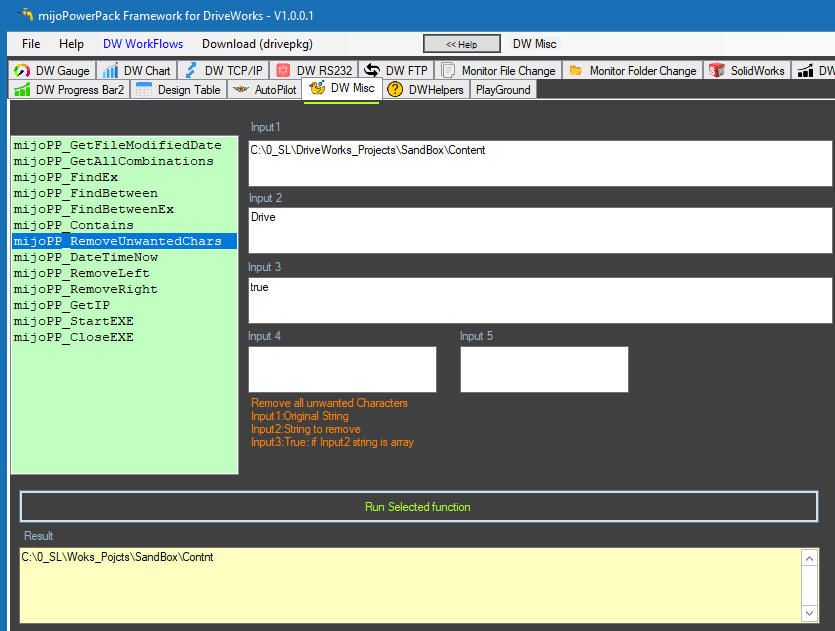
mijoPP_RemoveUnwantedChars - Remove all unwanted characters.
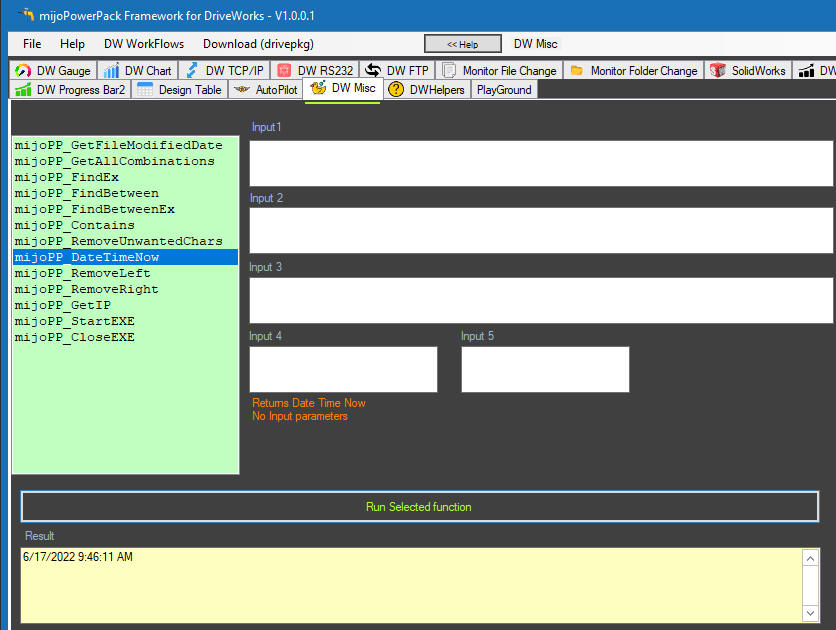
mijoPP_DateTimeNow - Returns Date Time Now.
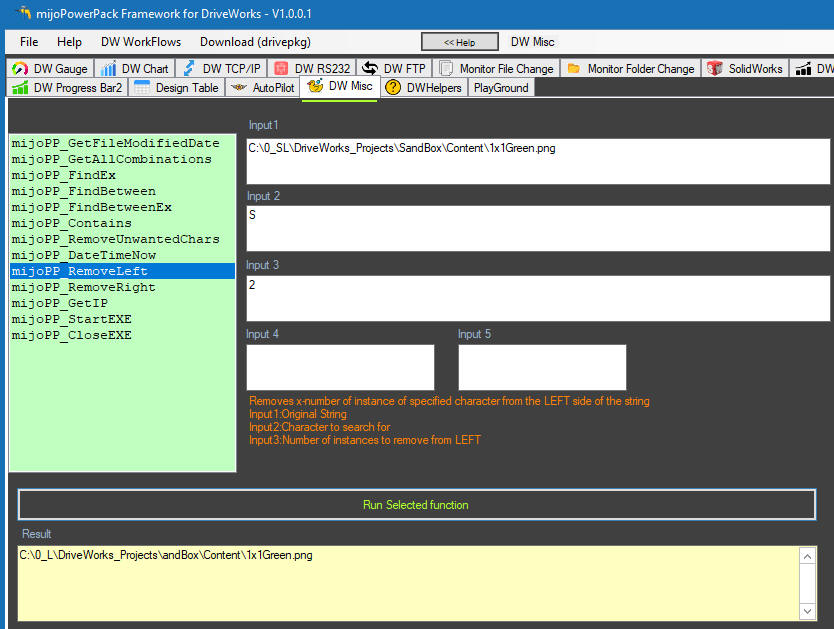
mijoPP_RemoveLeft -Removes x-number of instance of specified
character from the LEFT side of the string.
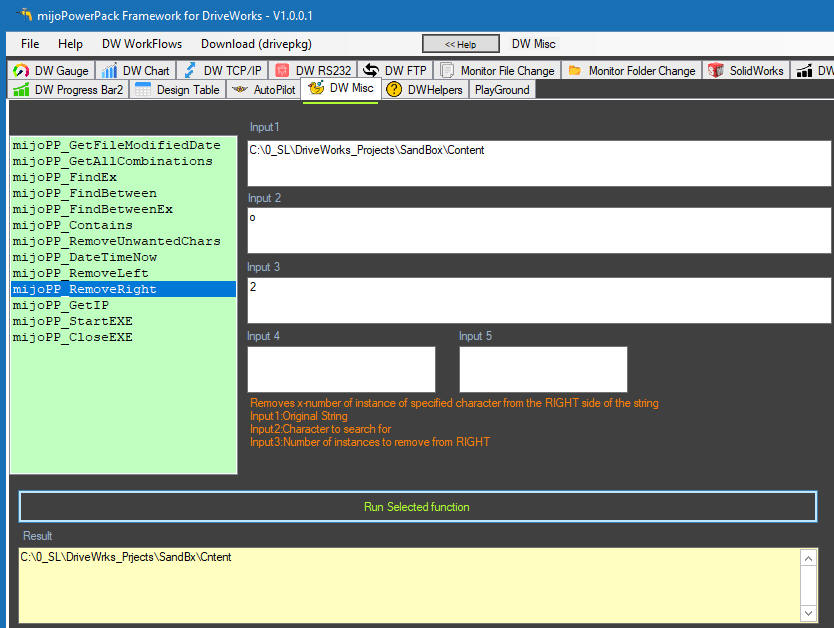
mijoPP_RemoveRight
- Removes x-number of instance of specified
character from the RIGHT side of the string.
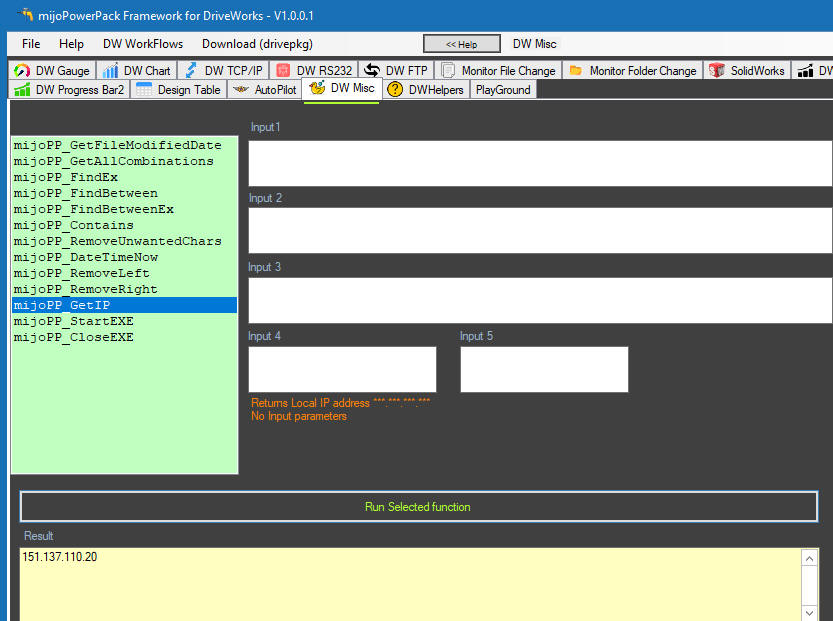
mijoPP_GetIP - Get Local IP.
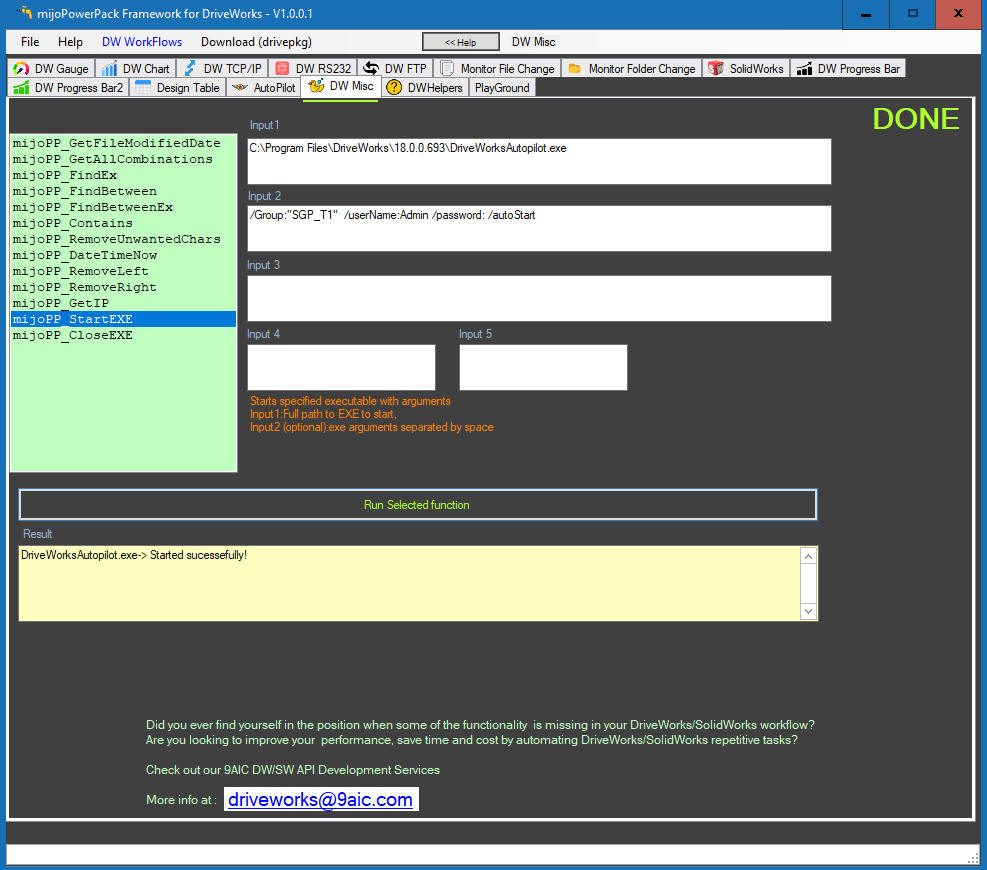
mijoPP_StartEXE - starts specified executable name with
arguments.
mijoPP_CloseEXE - Gracefully of Forcefully closing a running
executable.
Autopilot and License Server status
Stand-alone app to check Autopilot and License status. Suatable for IT personel.
Explore and download
the service notification solution for AutoPilot Status
DW Serial Port RS232
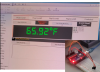
Real Time
serial port reading and driveworks dispaly
Settings
 Video
Export SW
parts or assmblies to 3D HTML with DW
User
needs to have eDrawings pro license - command line application
Work In Progress
SolidWorks Design Table without MS EXCEL (WIP) more details here
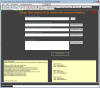
Custom Charts (WIP)
more charting options available for customization, a
lot more than what is presently available through the DW's Image PowerPack
There are some features "missing" in the DW Image PowerPack: i.e. multiple
series, min/max chart values, values on the curve itself, etc.
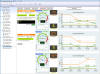
BOM to HTML table (WIP)
Convert plain TXT BOM to formated HTML table without
lineitem limitation including conversion tables
 live:
DW Single Sign On with AZURE (WIP)
e-mail: